Make space for your next idea.
Draw a floor plan, explore a room layout, or turn a clear drawing into a 3D wall preview. Practical tools for the first steps of your project.
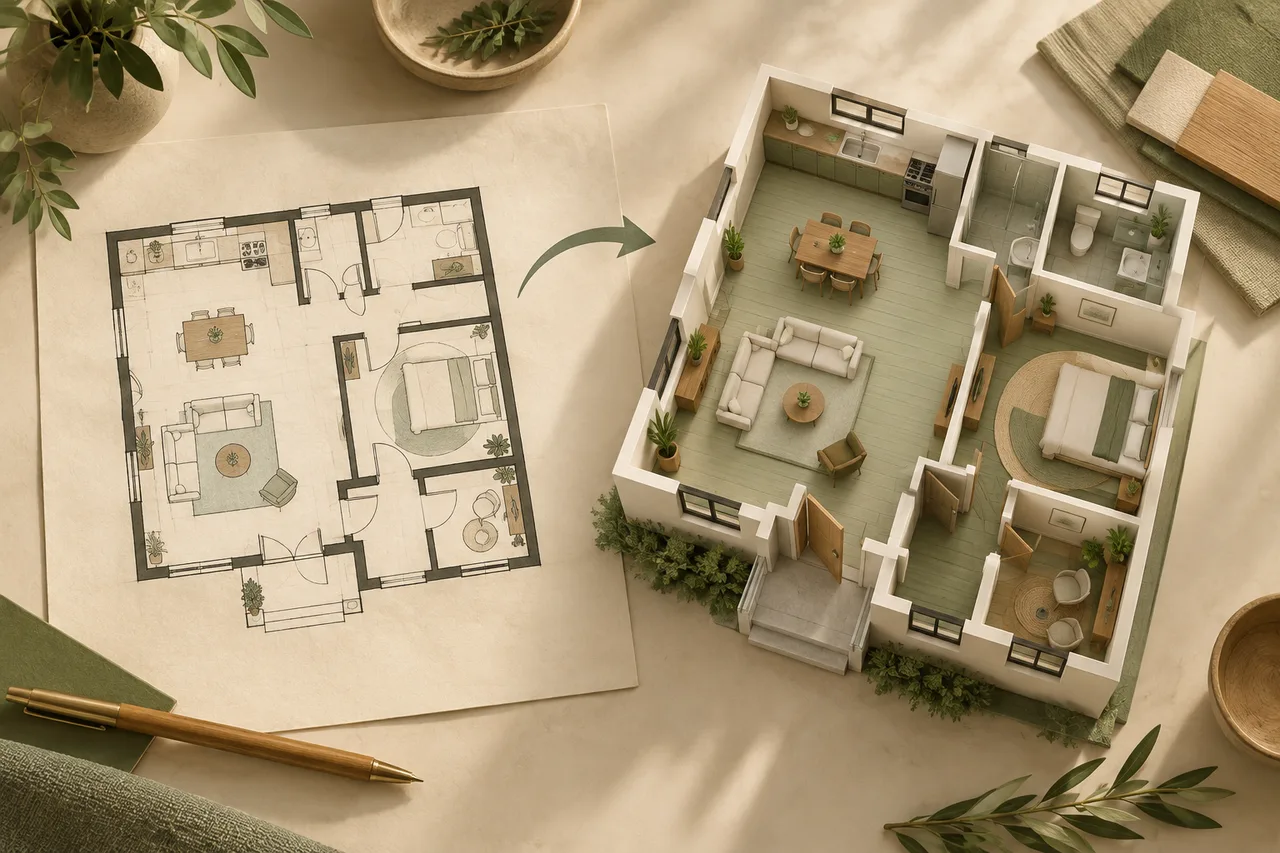
The right tool for your next step.
Create, measure and explore your space with free browser tools.
Floor Plan to 3D Converter
A flat drawing shows where rooms sit. A three-dimensional wall preview makes their relationships easier to explore. Start with a clear plan, inspect what…
02DRAWFree Floor Plan Creator
A useful first plan is simple enough to edit and precise enough to compare. This free floor plan creator lets you draw wall segments, place rectangular…
03ARRANGEFree Room Layout Planner
A room layout is a set of tradeoffs: the furniture you need, the space it occupies, and the routes people use every day. This free room layout planner helps…
04PRESENTFree Blueprint Maker
A blue background and light linework can make a simple layout easy to present. This blueprint maker uses the same editable drawing objects as the floor plan…
05MEASUREFloor Plan Scale Calculator
A floor-plan image contains pixels, not metres. To estimate a real distance from that image, you need a reliable reference connecting the two. This…
06CALCULATERoom Area Calculator
This room area calculator uses the dimensions you enter. For a rectangle, it multiplies width by depth. For a simple L shape, it subtracts one rectangular…
07TRACESketch to Floor Plan
A hand sketch can be a useful starting point when it shows the room boundary clearly. Upload a JPG, PNG or PDF, review the detected wall shapes beside the…
08CONVERTFree DXF Viewer & Converter
Open a common ASCII DXF directly in the browser and inspect its line geometry without sending the file to the server. The tool reads LINE and LWPOLYLINE…
09CAD EXPORTImage to DXF Converter
Turn visible wall regions in a JPG, PNG or PDF floor plan into an open ASCII DXF that can be reviewed in many CAD applications. Upload the plan, confirm the…
010DWG WORKFLOWImage to DWG Workflow
DWG is a proprietary CAD format, so this free browser tool does not pretend to generate a native DWG file. It prepares detected wall geometry as open ASCII…
011ELECTRICALElectrical Plan Maker
Draw a measured room outline and place concept outlets, switches, panels and circuit points where they can be discussed. Move, resize and rotate each…
012PLUMBINGPlumbing Plan Maker
Create an early plumbing layout by drawing walls and placing sinks, toilets, showers, drains and water points. The measured canvas helps keep proposed…
013LIGHTINGLighting Plan Maker
Place ceiling lights, pendants, wall lights and switches on a measured floor plan. The free browser editor helps compare fixture positions and prepare a…
Less guesswork.
More room to explore.
Start with the dimensions you know. Compare ideas, keep your assumptions visible, and save each version so you can return to it.
- Measure your starting point
Use verified dimensions and keep an untouched copy of your source drawing.
- Try the layout
Draw walls, move furniture, or inspect a converted wall preview.
- Review before you share
Check the result against your measurements. These tools support concept planning.
Small steps. Clearer plans.
Practical guidance for preparing drawings, measuring rooms and reviewing your layouts.
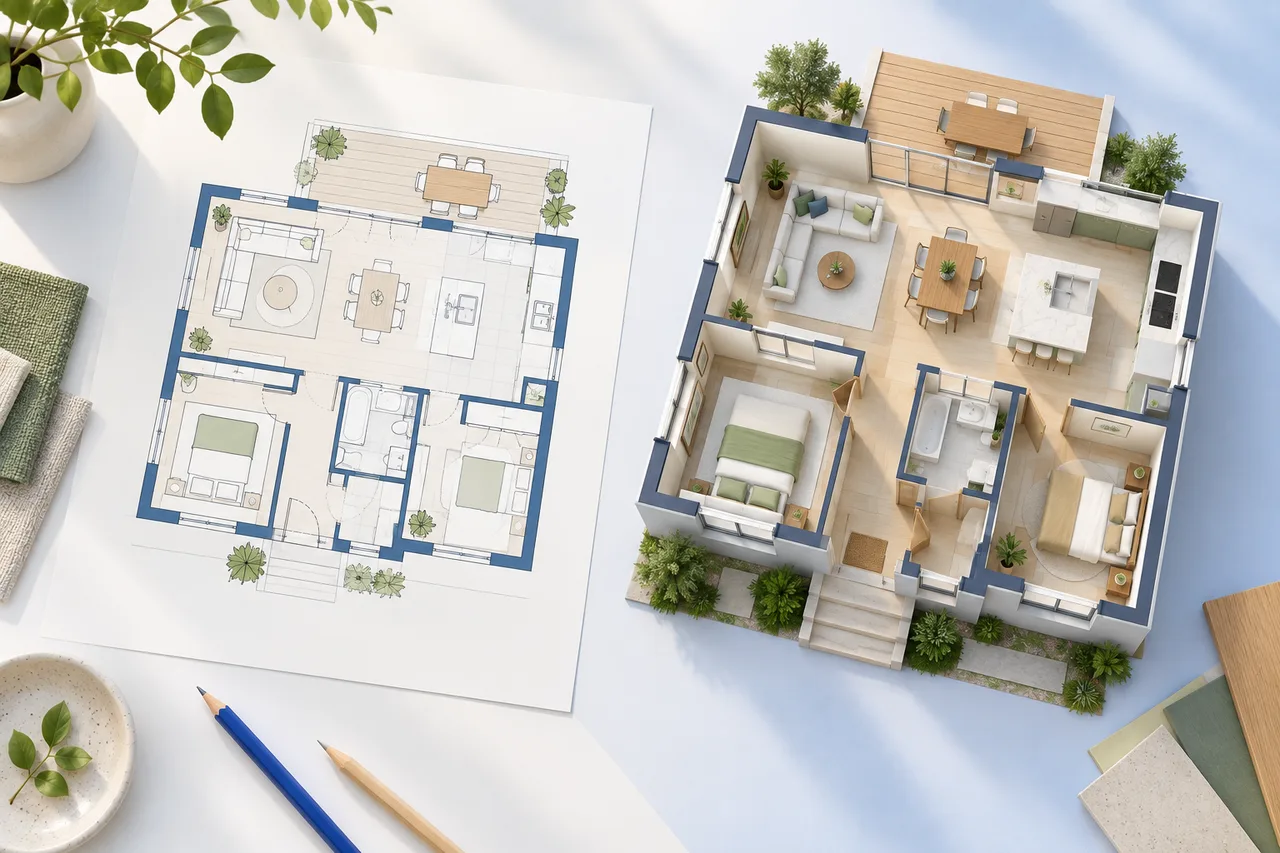
2D vs 3D Floor Plans: What Each View Is Good For
A 2D floor plan and a 3D preview answer different questions about the same space. The flat view makes boundaries, dimensions, and relative positions easier…
Read guide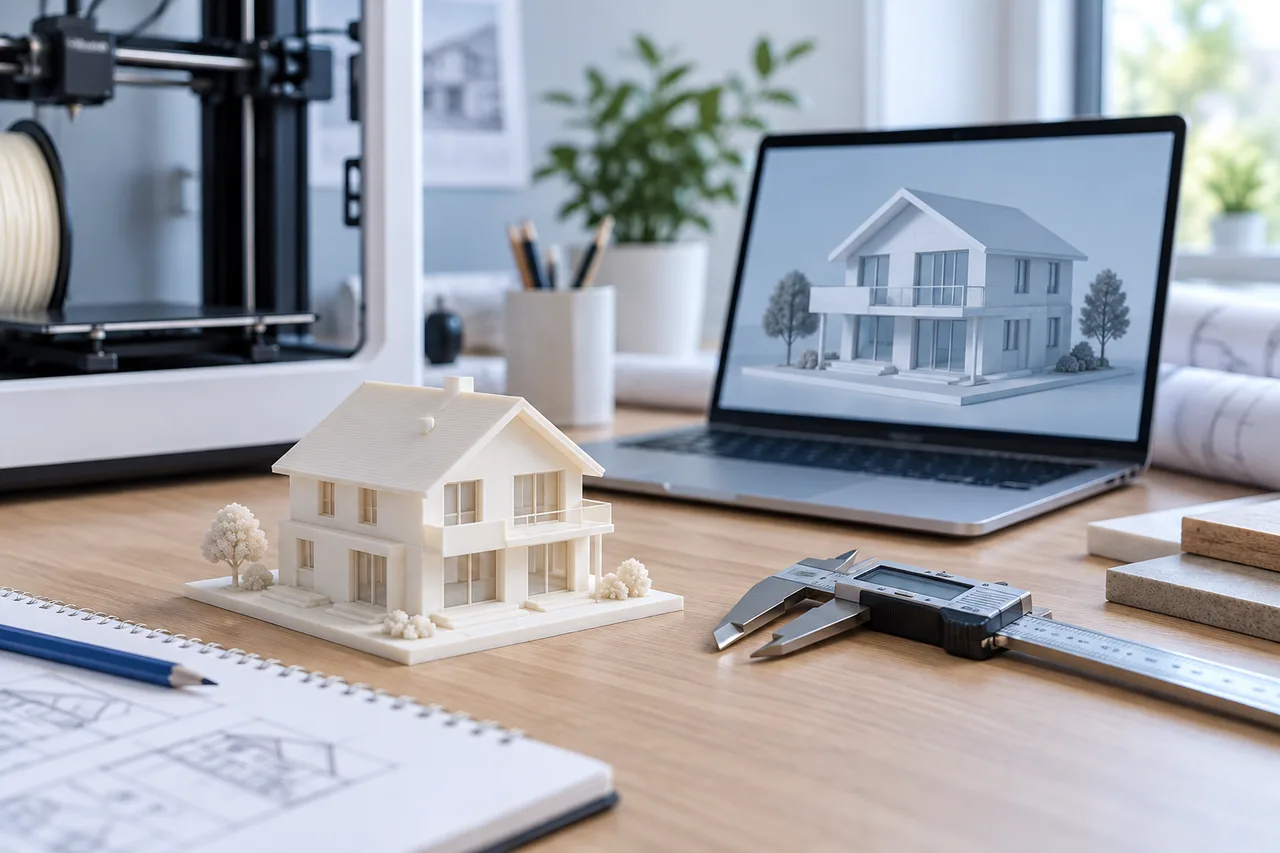
Before You 3D Print a House Model: A Practical Checklist
A small house model can help people discuss the arrangement of rooms without relying only on a flat drawing. Printing one successfully requires two separate…
Read guide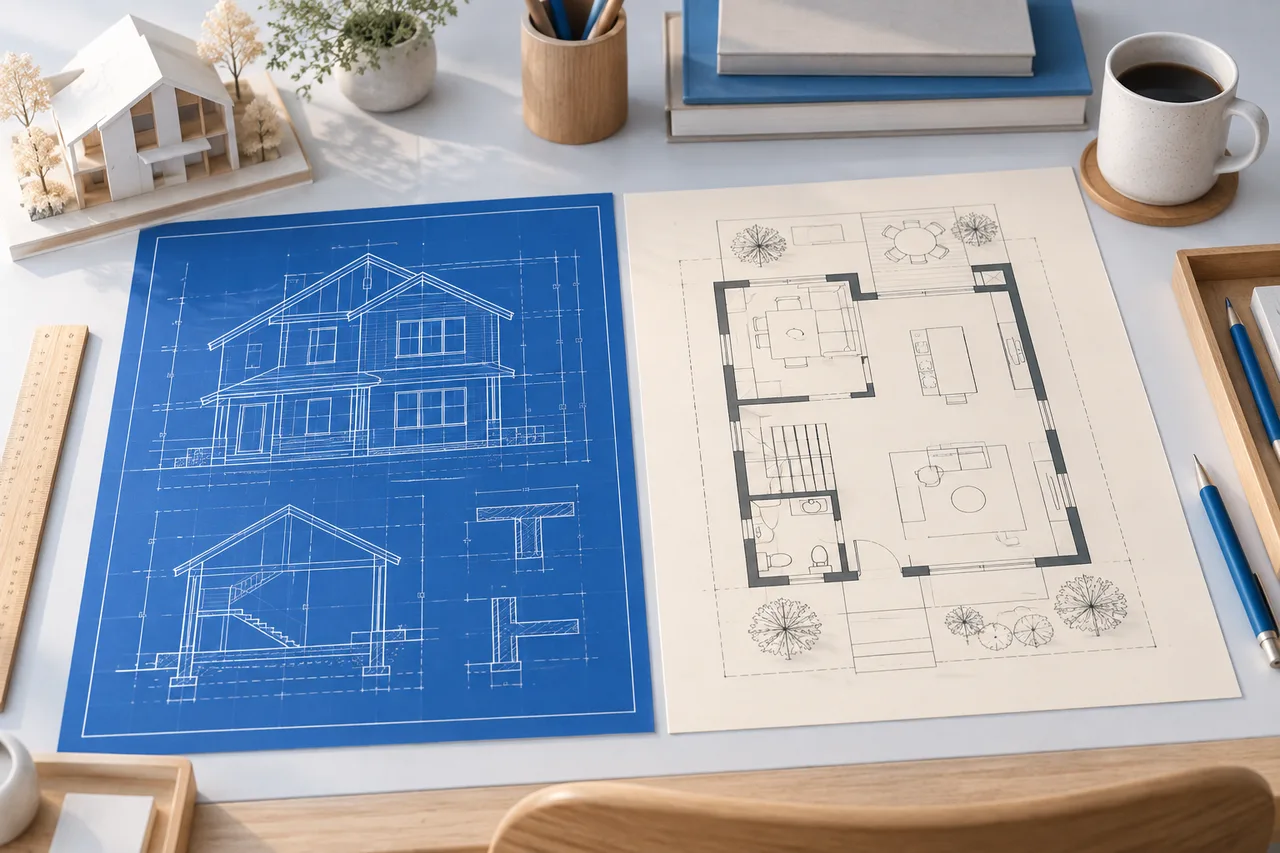
Blueprint vs Floor Plan: The Difference Explained
A floor plan describes the arrangement of a building or room as viewed from above. Blueprint originally described a copying process and is now often used…
Read guide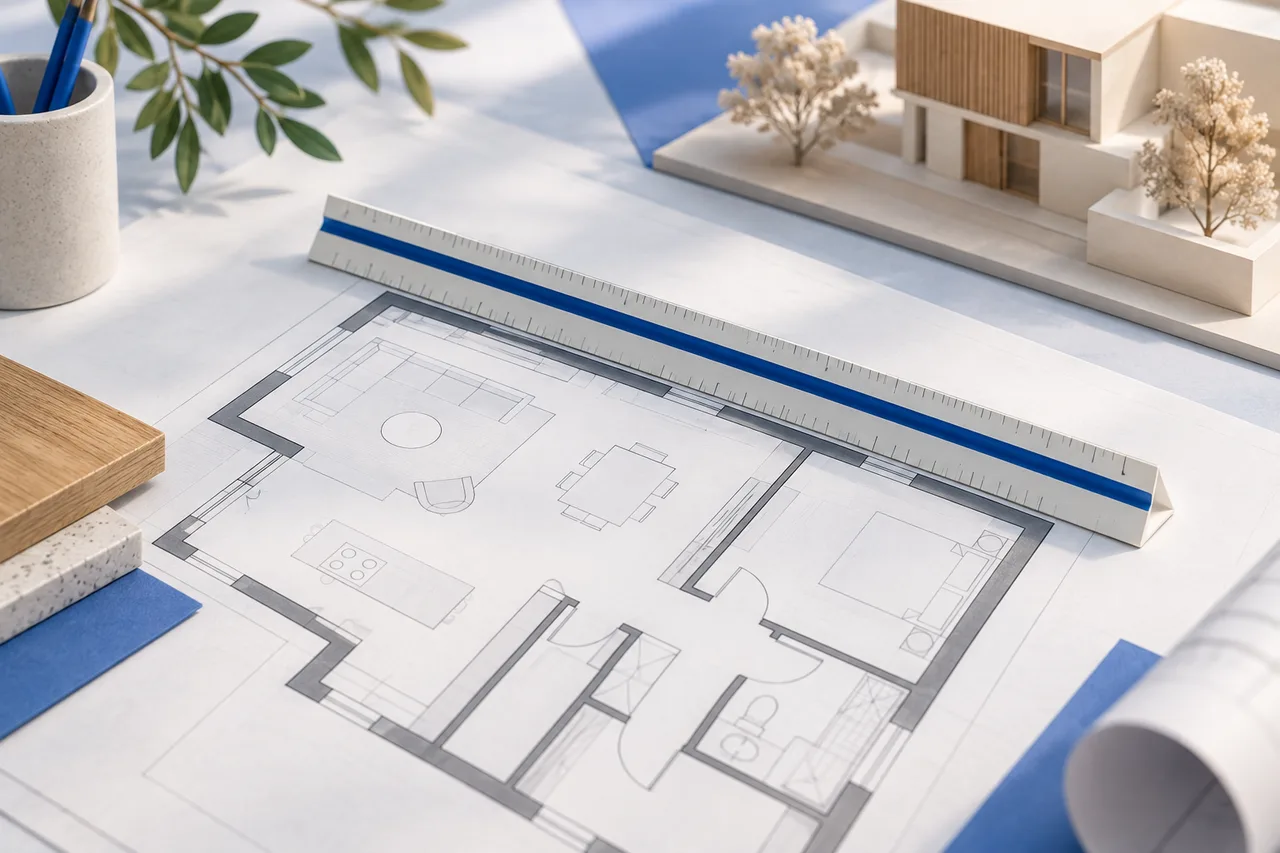
How to Set the Scale of a Floor Plan
Scale connects the distances in a plan image with real-world lengths. Without that connection, a 3D preview may look proportionate while its metre values…
Read guide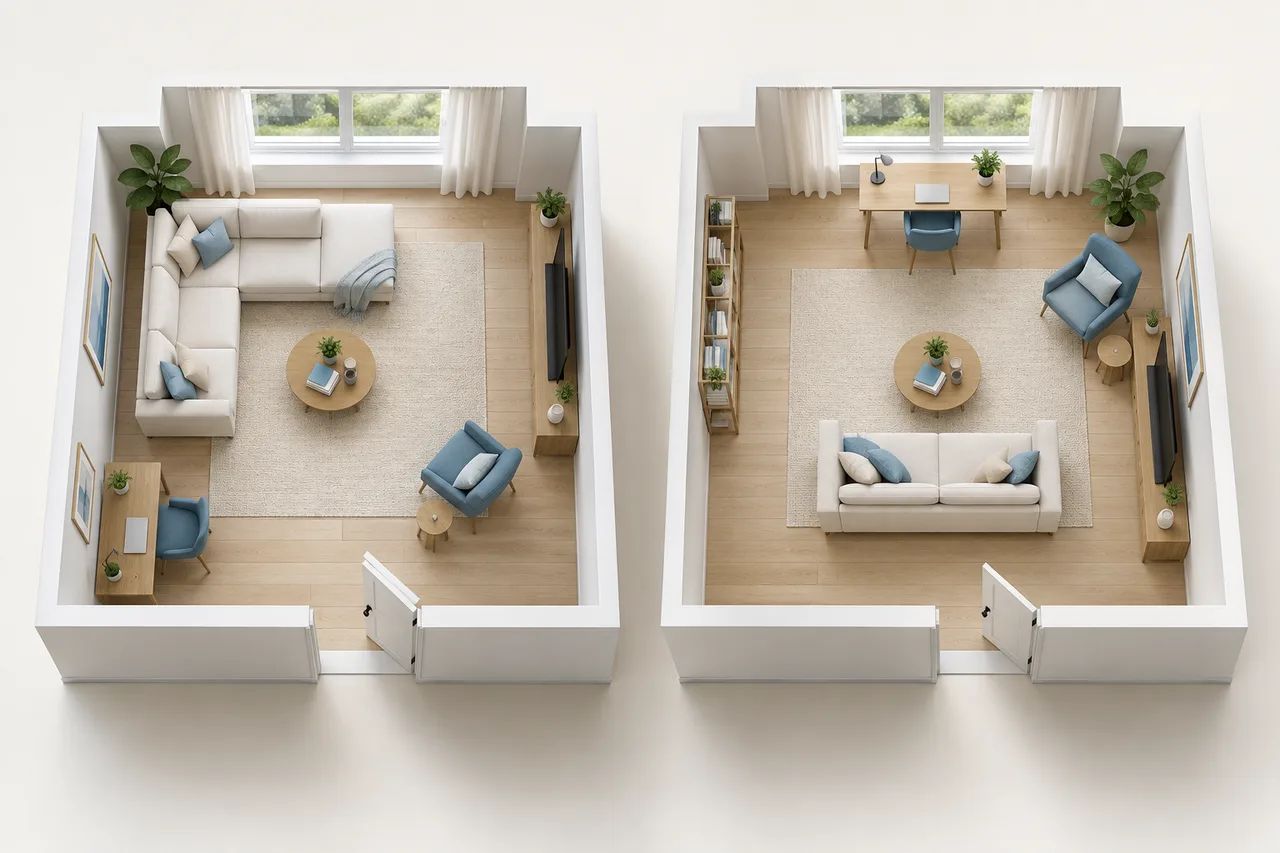
Compare Two Room Layouts Without Losing Your Starting Point
A fair layout comparison keeps the measured starting conditions constant. If one option uses a smaller sofa or a different room width, an apparent…
Read guide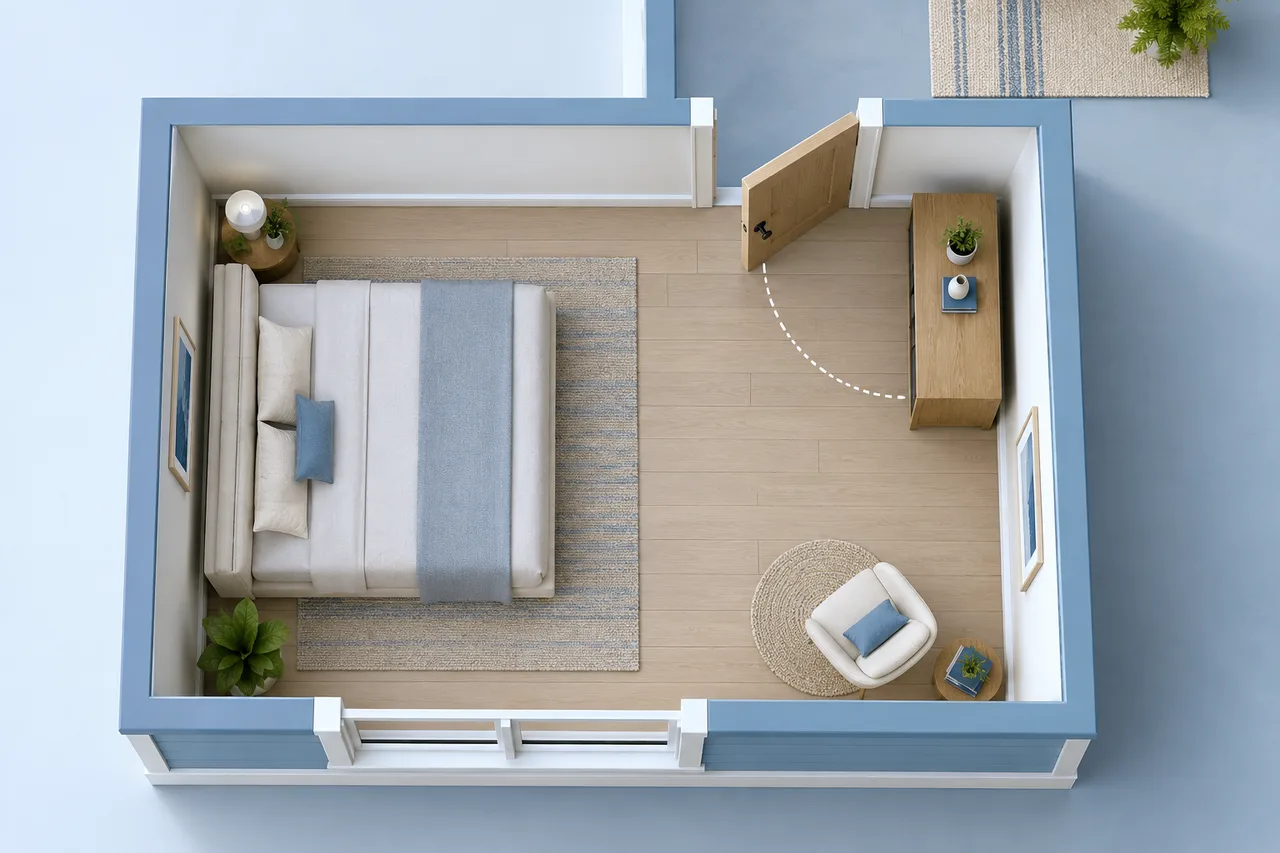
Door Swings and Furniture: Check the Space Behind the Door
A door occupies space while it moves, not only when it is closed. A layout that leaves the opening visible can still place furniture inside the swing path.…
Read guide